Profile and settings
Your profile
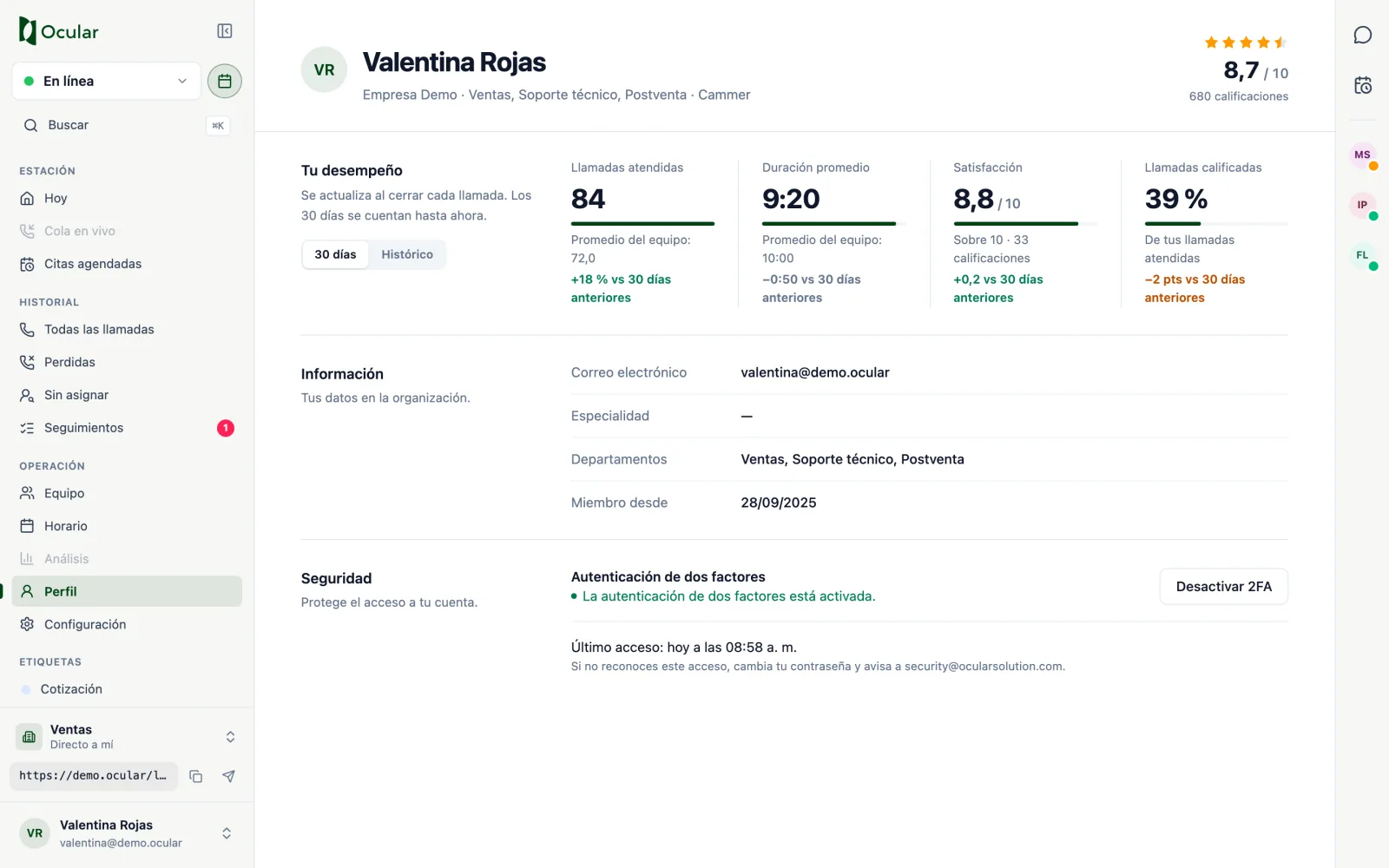
Your profile brings together your figures, your details within the organization and your account security.
Your performance
Choose 30 days or All time. The figures update when each call closes, and the 30 days are counted up to this moment.
- Calls answered: the ones you answered. If a call was transferred, it counts for each agent who answered it.
- Average duration: your average handling time.
- Satisfaction: your average on your organization's scale; it appears from the fifth rating onward.
- Rated calls: what share of your calls received a rating.
Below each figure you see the team average and the change compared with the previous 30 days.
Security
Turn on two-factor authentication with Enable 2FA: we will send you a code by email to confirm it. You also see your Last sign-in; if you don't recognize it, change your password and notify security@ocularsolution.com.
Settings
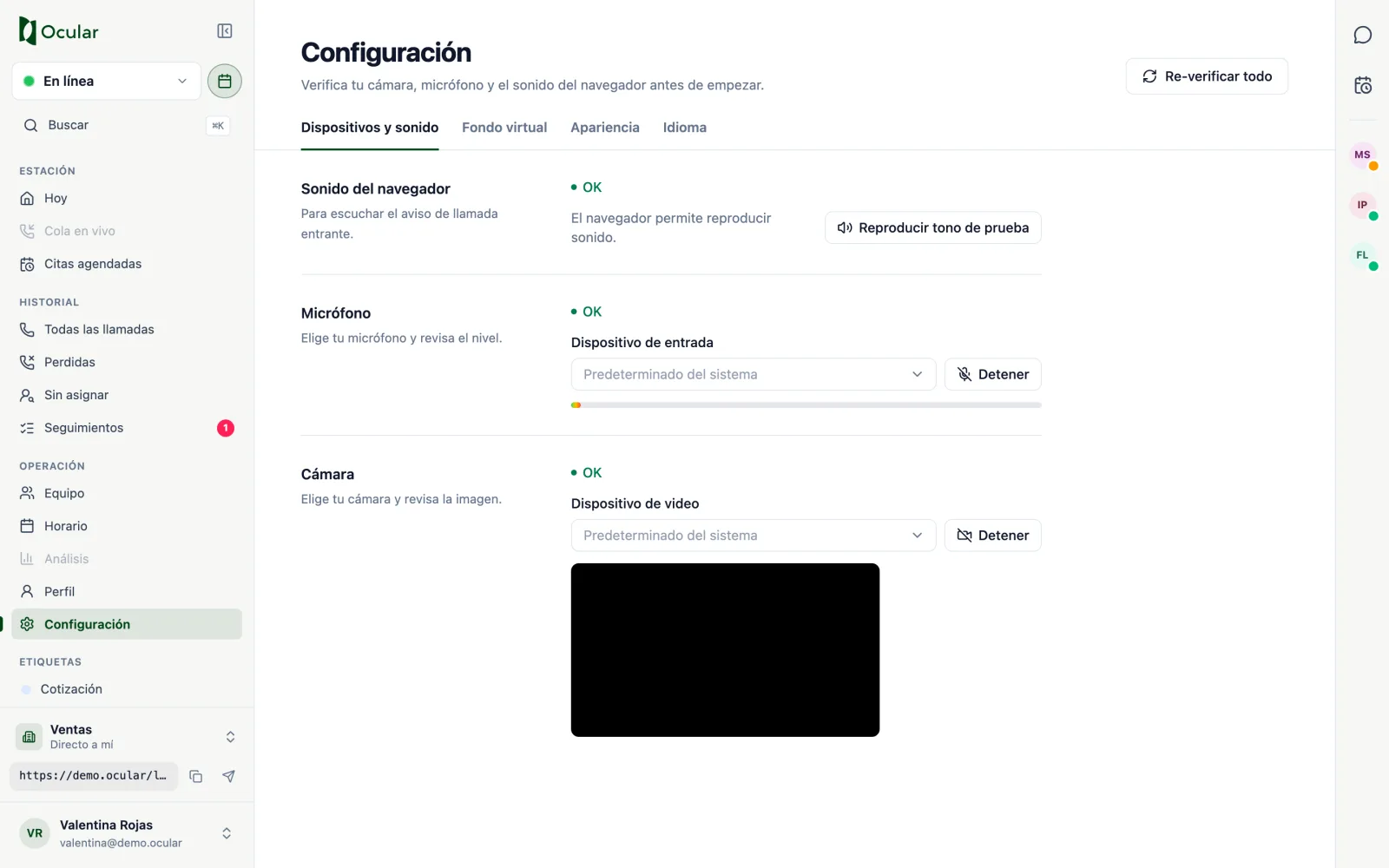
Four tabs to get your equipment ready.
Devices and sound
Test the browser sound, your microphone and your camera before you start. If a permission is denied, the screen explains how to unblock it in Chrome, Edge, Firefox or Safari. Re-check all repeats the three tests.
Virtual background (depending on your account)
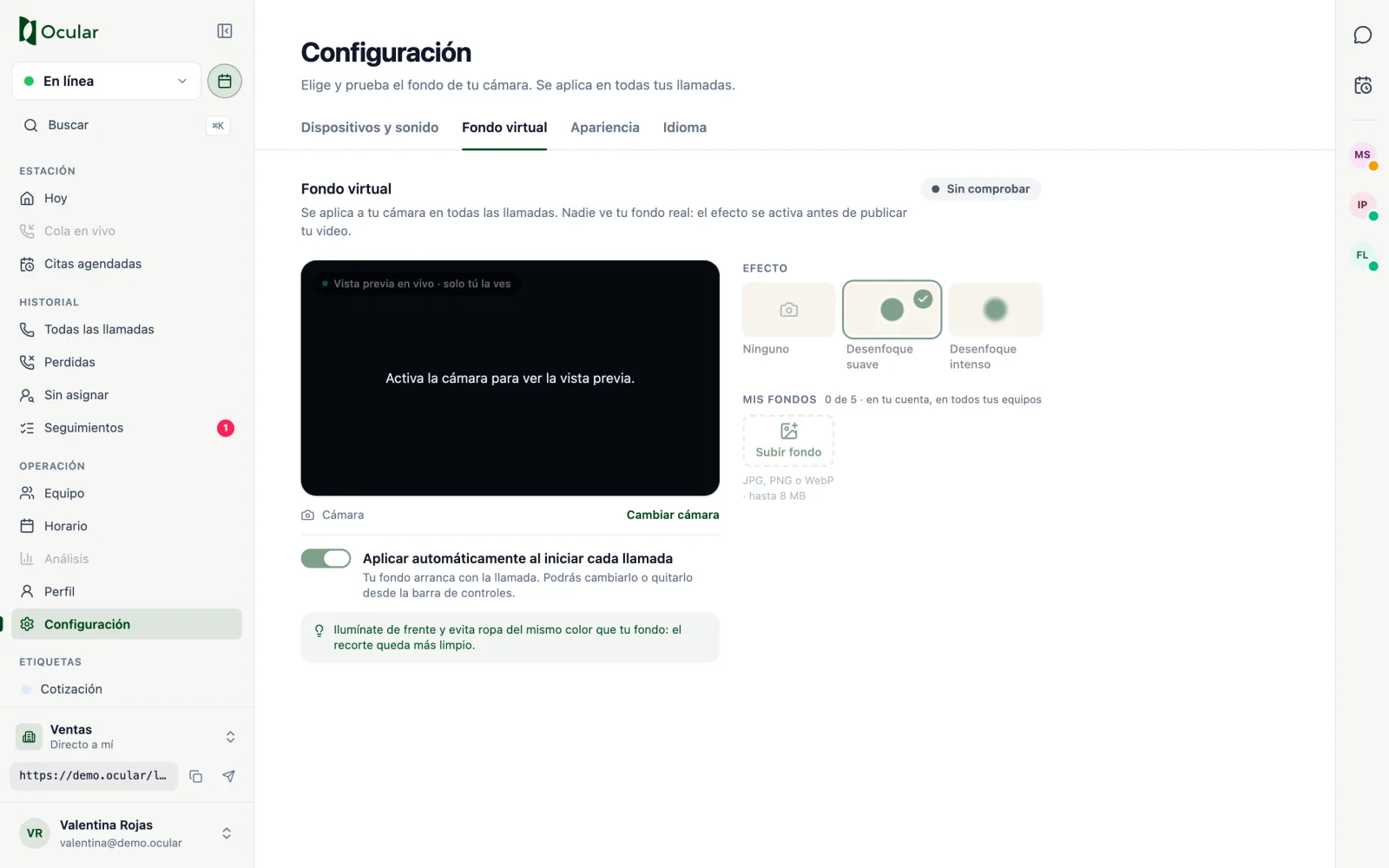
Choose soft or strong blur, one of the suggested backgrounds or upload your own (JPG, PNG or WebP, ideally 1920×1080). With Apply automatically when each call starts the background turns on by itself. Human checks whether your computer can sustain the effect and shows you the result (Optimal or Basic).
Appearance and language
Choose the Light or Dark theme and the interface language: Spanish, English, Turkish or Portuguese. Both settings are saved in this browser.
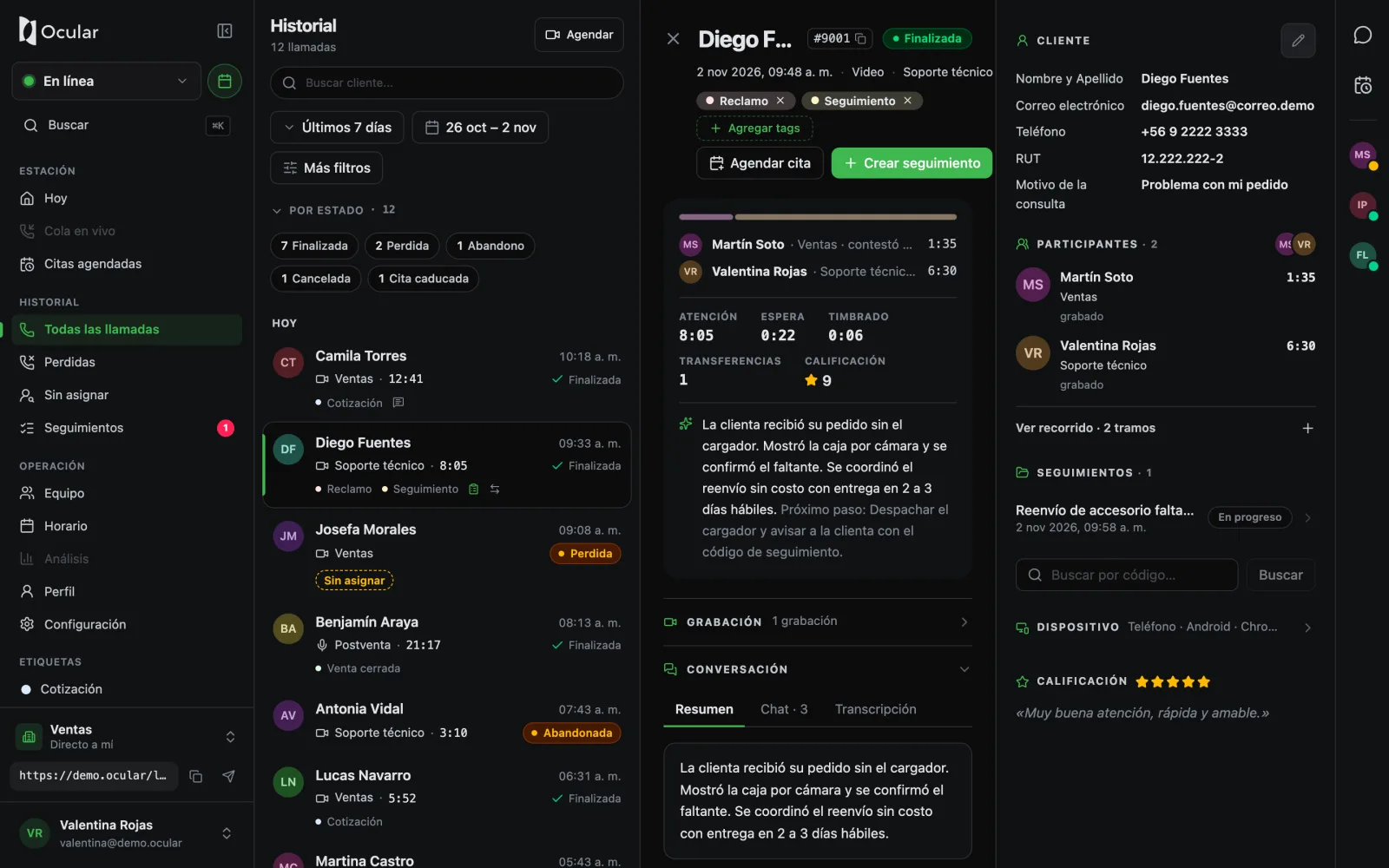
Human in dark mode.
Human on your phone
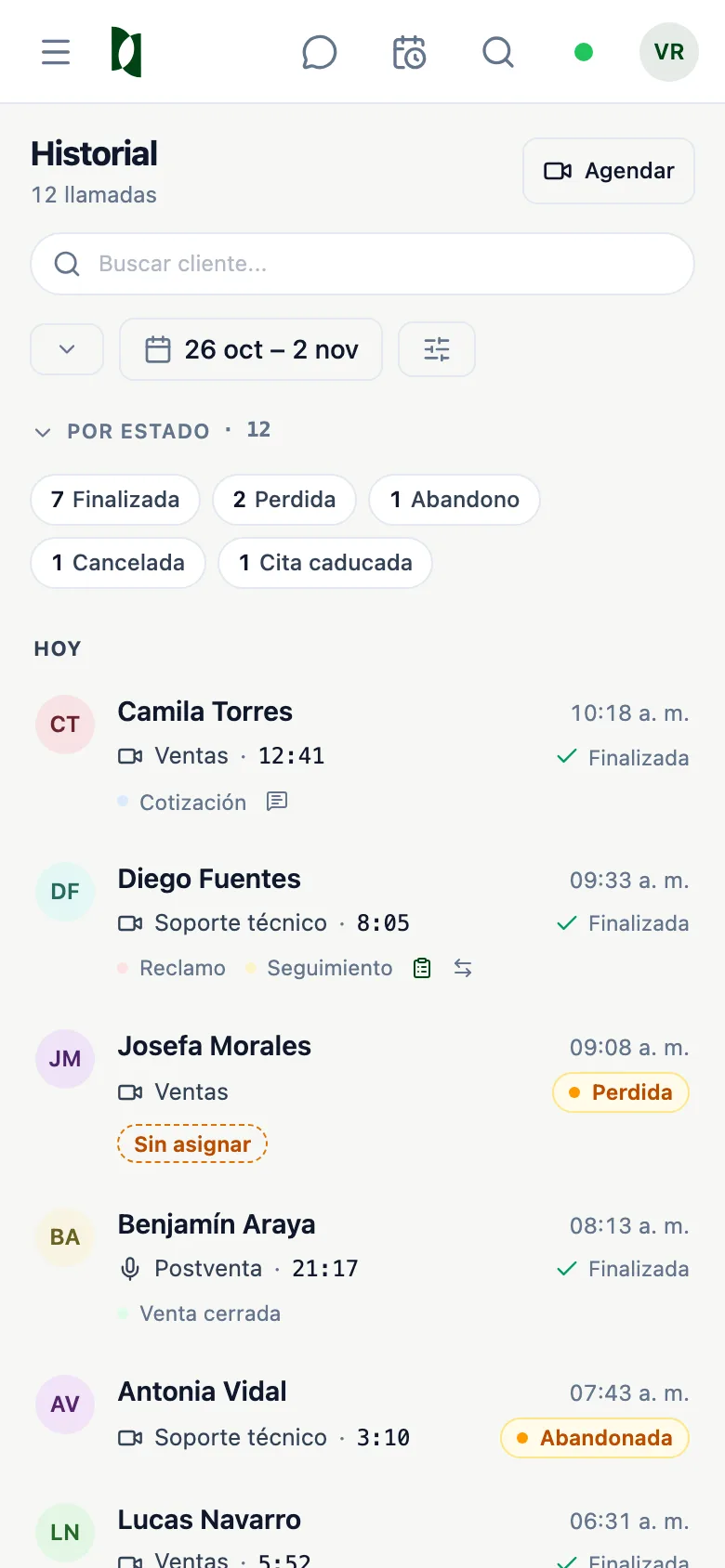
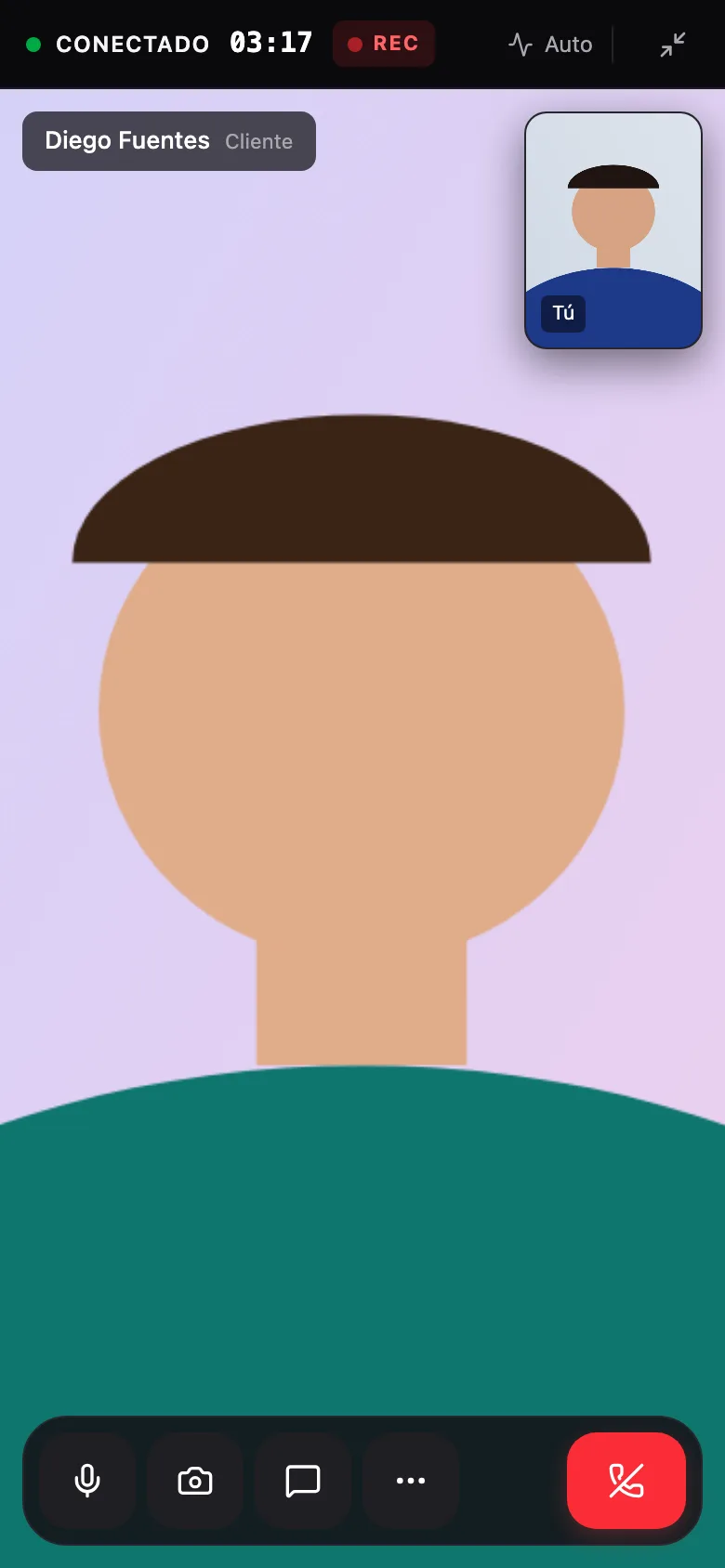
Human adapts to the screen of a phone or tablet. The menu opens with the button at the top left, and during a call the controls are grouped at the bottom, with More options to transfer, change devices, set the virtual background or minimize.