Team and internal chat
In Team you see your colleagues and what they are doing: Online, On a call, Away or Offline.
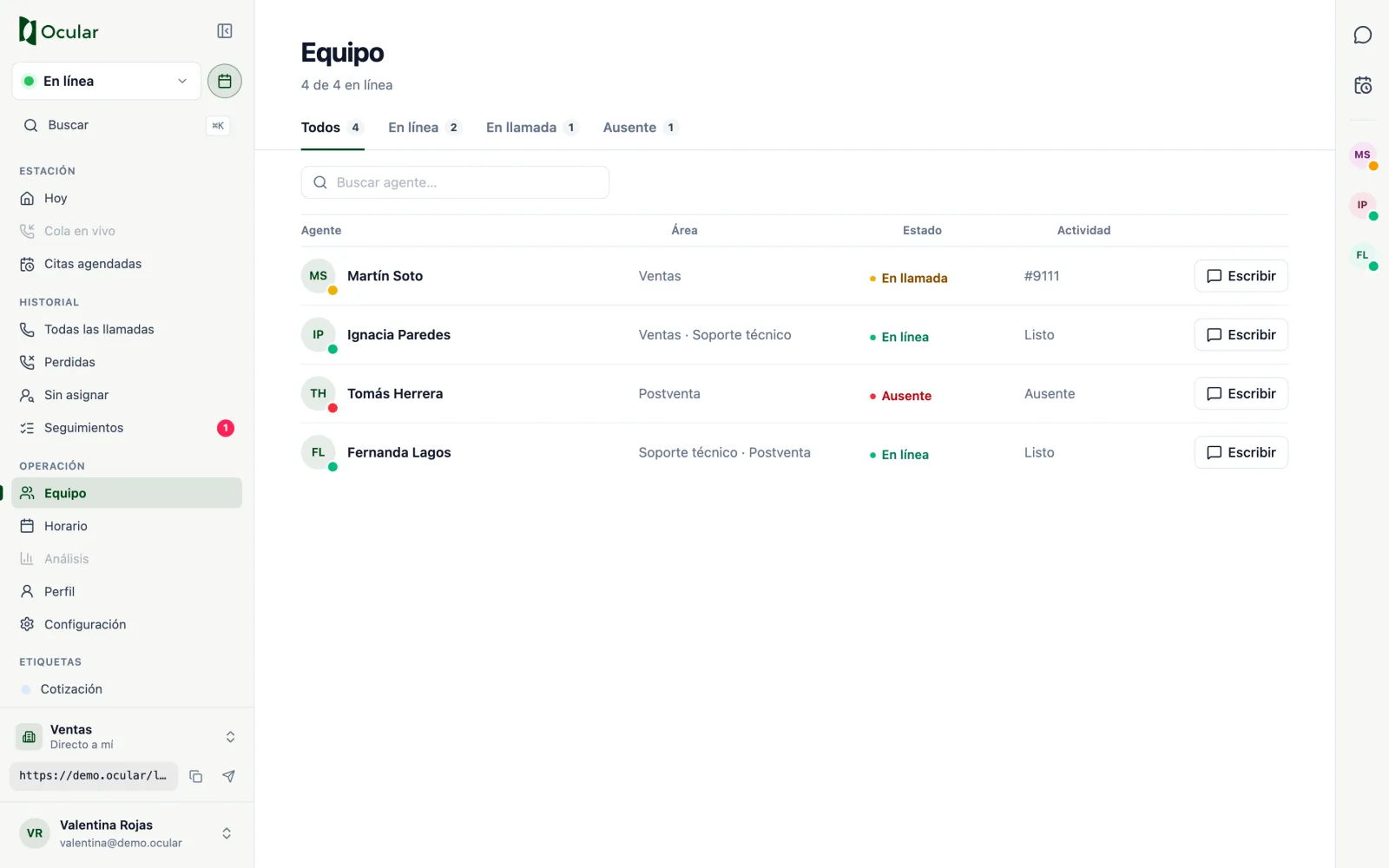
Team chat
Press Message next to a colleague, or the speech bubble on the right bar. The chat has two tabs: Online and Conversations. Quick replies (On my way, Can you take a call?, I'm transferring a customer to you) save time in the middle of a call.
Each message shows whether it was delivered. If it fails, tap Retry.
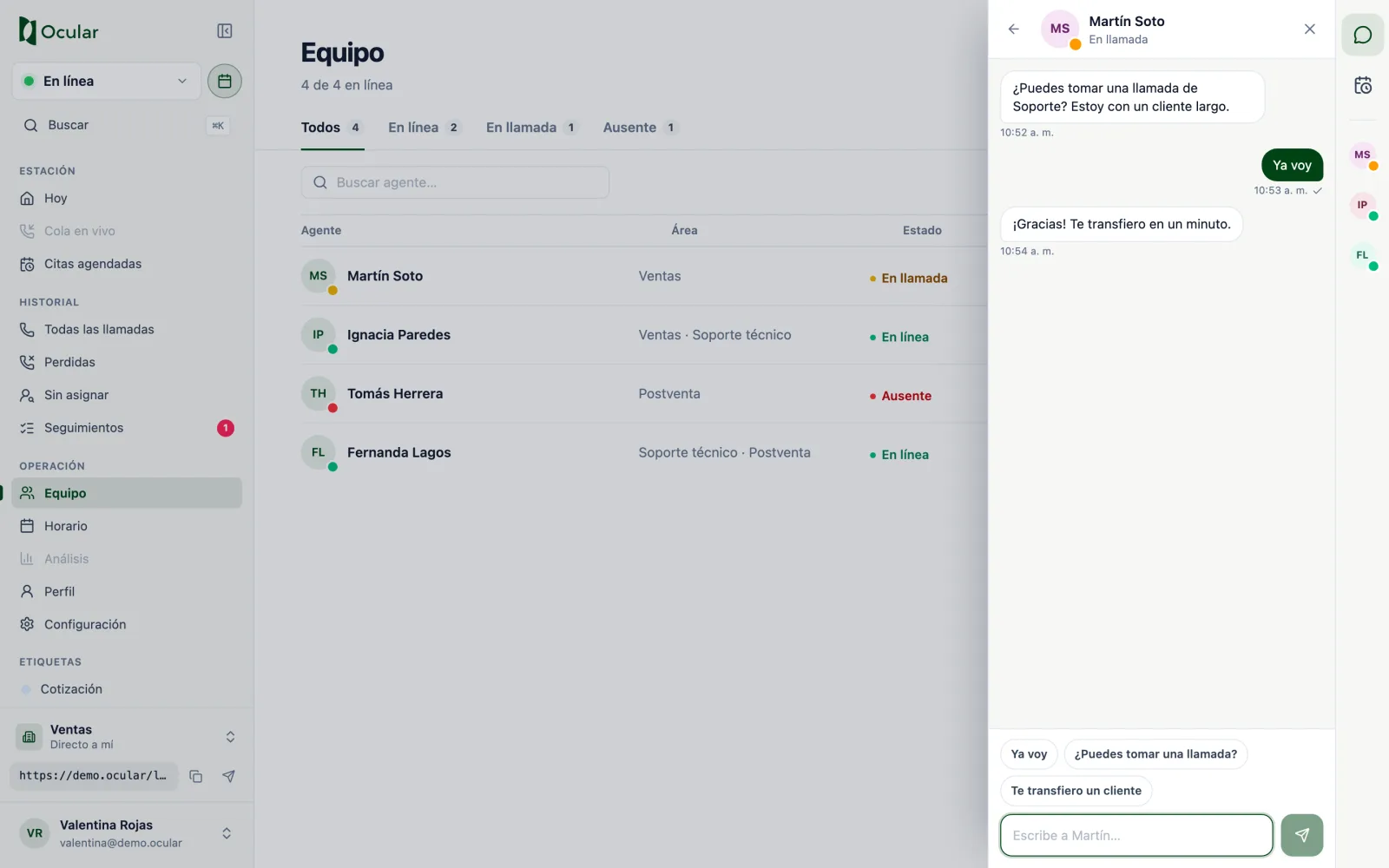
Customer data in the internal chat
To discuss a case, share the service number or the follow-up code instead of copying the customer's personal data.